New in the SumatraPDF pre-release builds:
Bake PDF File
New
Bake PDF File command (CmdPdfBake) in the Ctrl + k command palette turns interactive form fields and annotations into static page content and saves the result as a new PDF, which then opens.
Show PDF Outline
New
Show PDF Outline command (CmdShowPdfOutline) in the command palette shows the document’s outline (table of contents) as text in a window.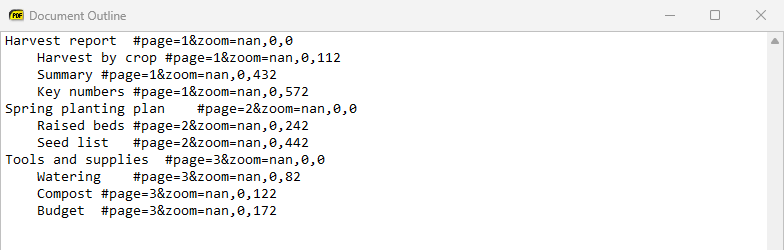
Tab Groups menu
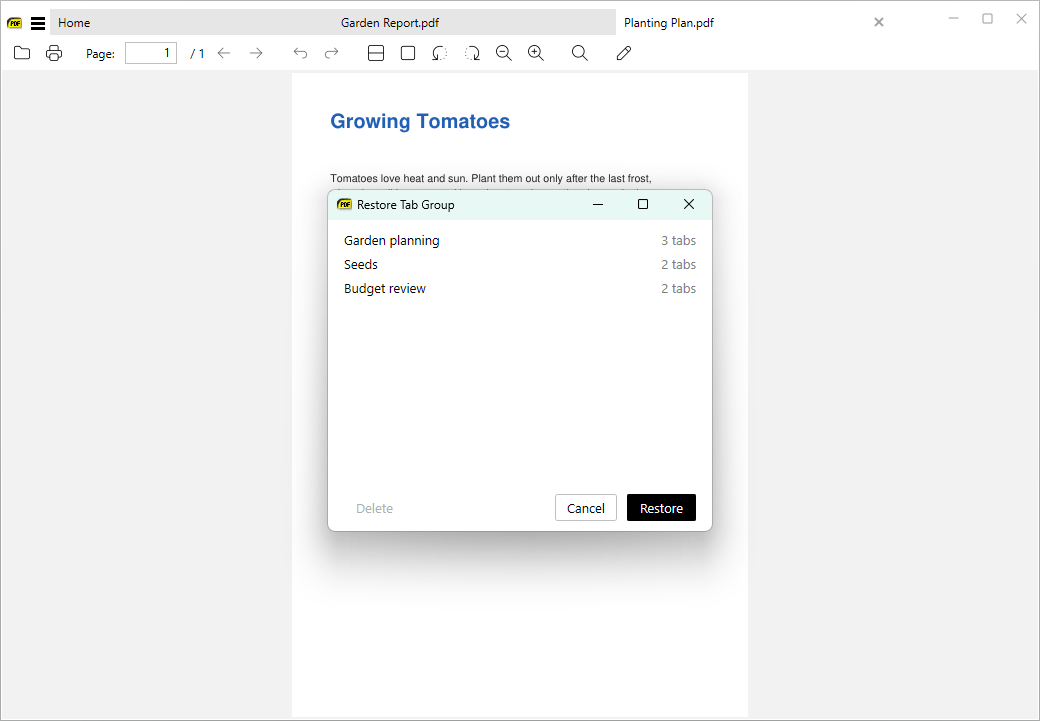
Saving and restoring tab groups now has its own Tab Groups submenu (in the Favorites menu) with Save Tab Group and Restore Tab Group. Both are also in the tab right-click menu. There is also a window for managing saved groups (#4402).
Screenshots include open menus
Take Screenshot also captures open menus as separate windows you can pick.Menu bar improvements with tabs
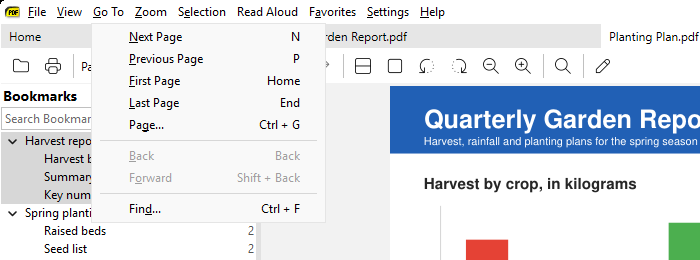
The custom menu bar shown when tabs are in the title bar works more like a normal menu bar, and toggling the menu bar is more reliable (#5442, #549).
More: changes from April 4, 2026 and the full changelog.