Sumatra File Manager is a file manager for Windows and Mac.
Command palette
Ctrl + K opens the command palette. Type a few letters and press Enter to run a command; each row shows its keyboard shortcut. A leading $ lists favorites, % the directories on %PATH%, and ! runs a program.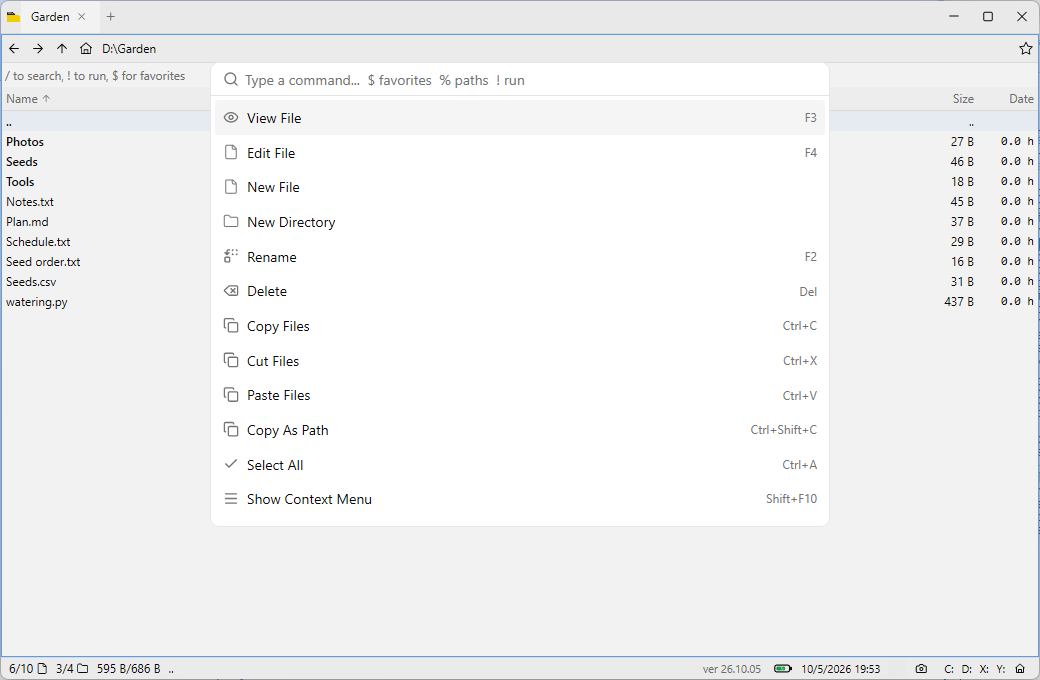
Text viewer and editor
F3 views a text file and F4 edits it, in a built-in editor with syntax coloring for source files. Ctrl + S saves.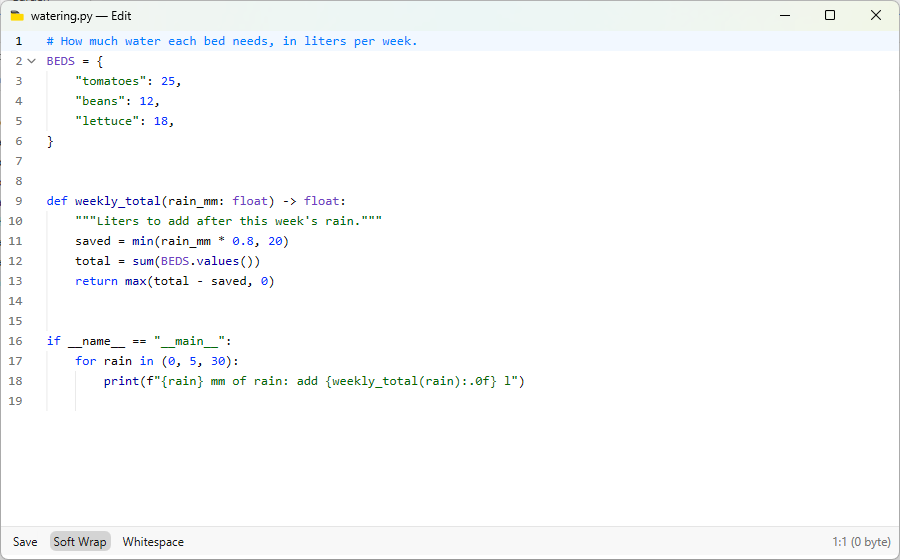
Image viewer
F3 on a picture, such as a PNG or JPEG, opens it in a built-in image viewer.Drop files onto a folder
Dragging files over a folder in the list highlights it, and dropping puts the files in that folder.